One App for YouTube, Twitch, Netflix, and the Rest
Count the places you watch video in a normal week. A YouTube tab (or four), the Netflix app, a Twitch stream someone linked, Disney+ for the kids, maybe Crunchyroll, maybe a sports service. Each lives in its own app or pinned tab, each with its own player quirks, its own theme, its own idea of where the settings are. The watching is fine; the sprawl around it is the tax.
Mira's pitch is simple: put all of it in one player app, and make the tools you actually use behave the same way everywhere.
The platforms that come built in
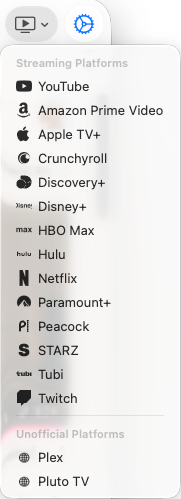
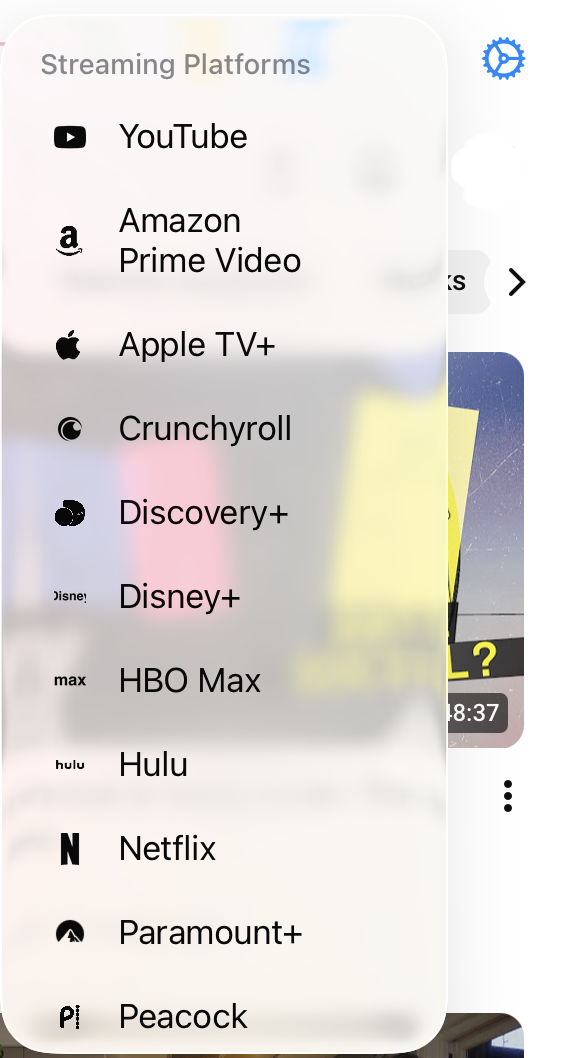
YouTube, Netflix, Hulu, Disney+, Max, Prime Video, Apple TV+, and Twitch are built in and one tap away — along with Crunchyroll, Paramount+, Peacock, Discovery+, STARZ, and Tubi. Open the Platforms menu, pick a service, and you're there. No app-switching, no retyping URLs, no scanning a bookmarks bar.
Getting to a specific video is just as direct. Press ⌘L on Mac (or tap Search in the toolbar on iPad, or in the tool menu on iPhone) to type a search, enter an address, or paste a video link — there's a one-tap paste button on iPhone and iPad. On Mac you can skip even that: drag a link straight into Mira from iMessage, Safari, Notes, or Mail and it opens instantly.
- Open the Platforms menu — it's in the toolbar on Mac and iPad, and in the tool menu on iPhone.
- Pick a service to jump straight to it.
- Set the one you use most as your homepage, so Mira opens there every time.
One set of tools across all of them
Consolidation only pays off if the app brings something with it, and this is where Mira earns the switch. The same toolbar travels with you to every platform:
- Playback speed from 0.25× to 3× (up to 10× on Mac), remembered between videos — the same control on every site, including ones whose own players don't offer speed at all.
- Eye Comfort Mode to dim harsh, overly bright videos with an adjustable slider, wherever you're watching.
- Automatic dark mode — Mira follows your device's appearance, so late-night platform-hopping doesn't mean alternating between dark players and blinding pages.
- A single Watchlist that spans sites: save videos for later, track what you've finished, and resume partially-watched videos at your saved spot.
- Watch Together — host a room, share a 4-character code, and watch in sync with up to 10 people, with built-in chat.
The pattern across all five is the same: learn a control once, use it everywhere. Where the controls live never changes — the toolbar on Mac and iPad, the tool menu behind the eye button on iPhone — no matter which platform you're on.
And the sites that aren't built in
The built-in list covers the big names, but everyone has at least one odd site in their rotation — a niche sports streamer, a regional broadcaster, a lecture archive. You can add any public video site as a custom platform under Settings → Platforms: give it a name and an address, and it appears in your Platforms menu like the built-ins, with popup blocking included. It can even be your homepage.
That homepage choice is worth making deliberately. Mira asks during first-launch setup which site it should open to — YouTube, Netflix, Disney+, or a platform you've added — and you can change it any time in Settings. If most of your watching starts in one place, opening straight into it removes the last bit of friction the Platforms menu didn't already handle.
Things to note
- Sign in with your own accounts. Mira is a player, not a content service — for Netflix, Disney+, and the rest you sign in just as you would in a browser.
- Some features are YouTube-only. SponsorBlock, transcripts, AI summaries, Focus Mode, and the other YouTube tweaks work on YouTube specifically; the cross-platform toolkit is the speed, comfort, appearance, Watchlist, and Watch Together set described above.
- Casting goes through Screen Mirroring. To watch on an Apple TV, use Screen Mirroring from Control Center — it's the recommended route on every device. Here's the step-by-step guide.
Mira is a native video player for iPhone, iPad, Mac, and Apple TV that skips sponsors, intros, and other unwanted segments — with searchable transcripts, AI summaries, and synced watch parties.